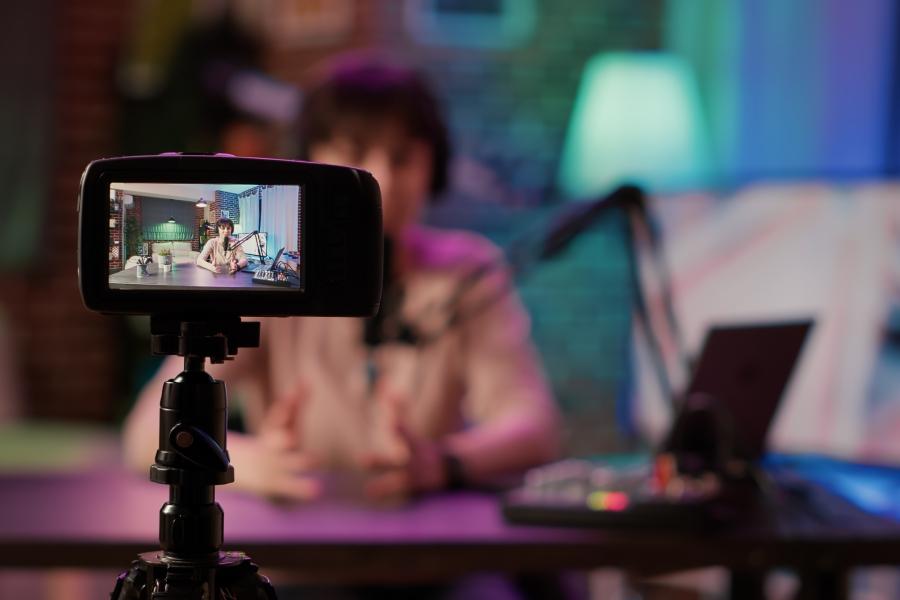
“Want to start streaming as a digital anime avatar? Discover what you need to prepare to become a VTuber, from 2D/3D models to character lore!”
What Do You Need to Prepare to Become a VTuber?
Ever found yourself watching live streams on YouTube or Twitch and thinking how cool it would be to create content as a digital anime avatar? In the era of digital marketing agency transformations, virtual content creation has exploded into a massive global phenomenon. Digital media and entertainment agencies are heavily investing in this space because of its powerful appeal to pop culture communities.
This trend opens up an incredible opportunity for anyone wanting to express themselves without showing their real face on camera. Getting ready to become a VTuber as a beginner isn't as intimidating or expensive as it might look. As long as you have the basic essentials covered, you can jump right into entertaining viewers. Let's break down the 5 essential things you need to prepare below!
1. 2D or 3D Avatar Model as Your Digital Face
The most fundamental step when planning to become a VTuber is setting up the visual avatar that will represent you online. This avatar serves as your main "face" throughout every broadcast.
Make It Yourself: If you have digital art skills, you can design and rig your model using software like Live2D for 2D avatars or VRoid Studio for 3D models.
Commission an Artist: Not an artist? Don't worry! There are countless indie artists and riggers offering custom model commissions online.
2. Face Tracking Software to Capture Expressions
A cool avatar won't mean much if it stays static. You need face-tracking software so your avatar can smile, blink, and mirror your head movements in real-time.
For 2D Models: Software like VTube Studio is the industry standard for most creators.
For 3D Models: You can try VSeeFace or VTuber Maker, which are lightweight and easy to set up.
Simply connect these apps to your webcam or smartphone camera, and your model will immediately sync with your real-life facial gestures!
3. Eye-Catching Stream Overlays and Alerts
Give your broadcast a polished look similar to professional digital agency productions. A blank screen can cause viewers to lose interest fast.
Use Themed Overlays: Match your screen frames, chat boxes, and background elements with your avatar's theme.
Set Up Interactive Alerts: Display pop-up notifications whenever a viewer follows, subscribes, or sends a donation.
Integrate Monetization Features: Use tools like FUOMO so your audience can directly support you or purchase digital merch without leaving your broadcast.
4. OBS Studio Broadcast Software and Clear Mic Audio
Your avatar can be super cute, but if your voice sounds distorted or muffled, viewers won't stick around long. Clear audio is the key to viewer comfort.
Technical Tip: Use OBS Studio as your main hub for live streaming. Don't forget to enable Noise Suppression filters in OBS so background PC fan noise or room echo doesn't leak into your stream!
Investing in a decent USB condenser microphone makes your voice sound warm, natural, and inviting whenever you chat with viewers.
5. Character Lore and Personality Identity
Out of thousands of virtual creators online, what makes your persona stand out? The secret lies in your character's personality and backstory (lore).
Prepare a simple debut profile sheet. Share this lore during your very first stream to help your viewers connect with your unique virtual persona.
Ready to Start Streaming?
Taking the leap to become a VTuber involves both technical setup and mental preparation. But once you have your avatar model, tracking software, clean audio gear, and character identity ready, you're set to step into the virtual spotlight.
Conclusion
Remember, the secret to becoming a successful streamer is consistency and engaging warmly with your audience. So what are you waiting for? Set up your software, start your live streaming setup, and welcome your very first viewers today!
Your Content Can Generate Income!
Upload your digital work to Fuomo and start earning from the content you create.
Star As a Creator